Why Smart Plug Automations Are the Ultimate Fix for Vampire Draw
Quick Summary: How Smart Plugs Eliminate Waste
Standby power—often called phantom load or vampire energy—draws electricity 24/7 from idle entertainment setups, desktop workstations, and countertop appliances. Implementing targeted smart plug automations cuts physical power to high-drain clusters entirely when not in use, lowering annual household electricity waste by 5% to 10% without requiring you to manually unplug cords.
According to research from the U.S. Department of Energy and Lawrence Berkeley National Laboratory, the average American home wastes between $100 and $200 annually on appliances that idle in standby mode. Gaming consoles in instant-on mode, multi-monitor home office setups, soundbars, and older televisions continuously sip power waiting for remote signals or background updates.
Key Takeaway: You do not need to rewire your house or manually pull plugs from wall outlets behind heavy furniture. Smart plug automations bridge the gap between effortless convenience and aggressive energy conservation.
Vampire Power Culprits: Identifying High-Drain Device Clusters
To maximize the return on your smart plugs, target high-draw clusters rather than low-impact individual chargers. A single phone charger draws negligible wattage when idle, whereas entertainment centers and home offices silently consume significant electricity around the clock.
Step-by-Step: Setting Up High-Efficiency Smart Plug Routines
Configuring smart plug automations takes under fifteen minutes per room using standard ecosystems such as Apple Home, Amazon Alexa, Google Home, or Matter-compatible platforms. Follow this sequential framework to deploy your system flawlessly:
Group Devices with Smart Power Strips
Attach secondary peripherals (monitors, printers, speakers, soundbars) to an energy-monitoring smart strip while keeping network equipment on continuous outlets.
Establish Time-Based Sleep Schedules
Set automated kill-switches across non-essential zones between 11:30 PM and 6:30 AM to guarantee zero phantom drain during dormant hours.
Integrate Geofencing and Departure Triggers
Configure ‘Leaving Home’ automations in your primary smart home hub to shut off all decorative accent lights, space heaters, and entertainment hubs when the last family member leaves.
Everyday Lifestyle Routines: Combining Comfort with Energy Savings
Smart plugs are not solely about energy conservation; they elevate daily living routines by synchronizing your home environment with your personal habits.
Morning Gentle Rise Routine
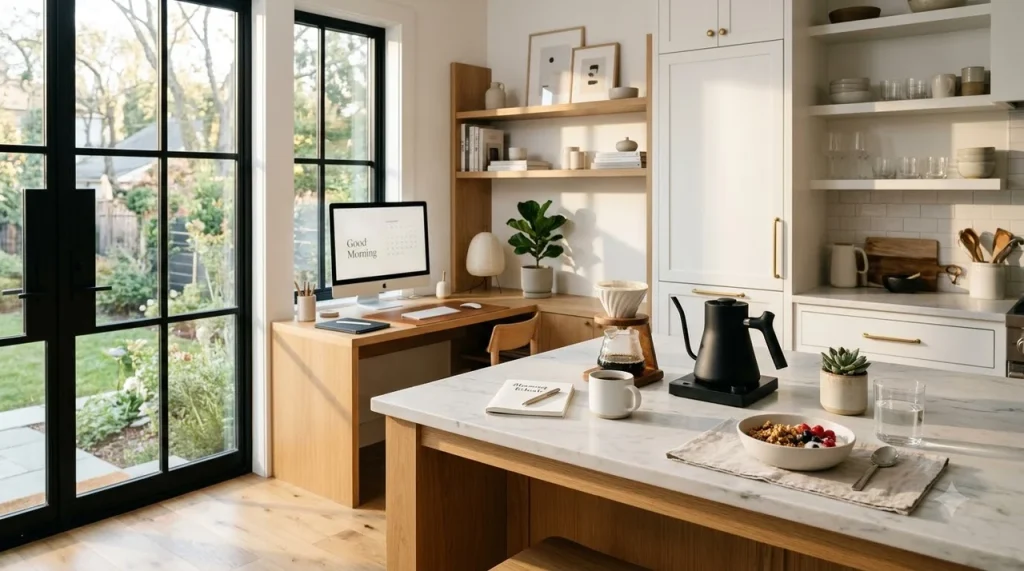
Pair your bedroom ambient lamps and coffee warmer with an automated 6:45 AM trigger. Wake up to warm accent lighting and a pre-heated coffee station without leaving switches running overnight.
👉 Read Next: Smart Lighting Setup Guide for Energy Saving and Focus
👉 Read Next: 5-Minute Daily Skincare Routine: Fast Morning Sun Protection
Workday Focus & Sunset Shutdown
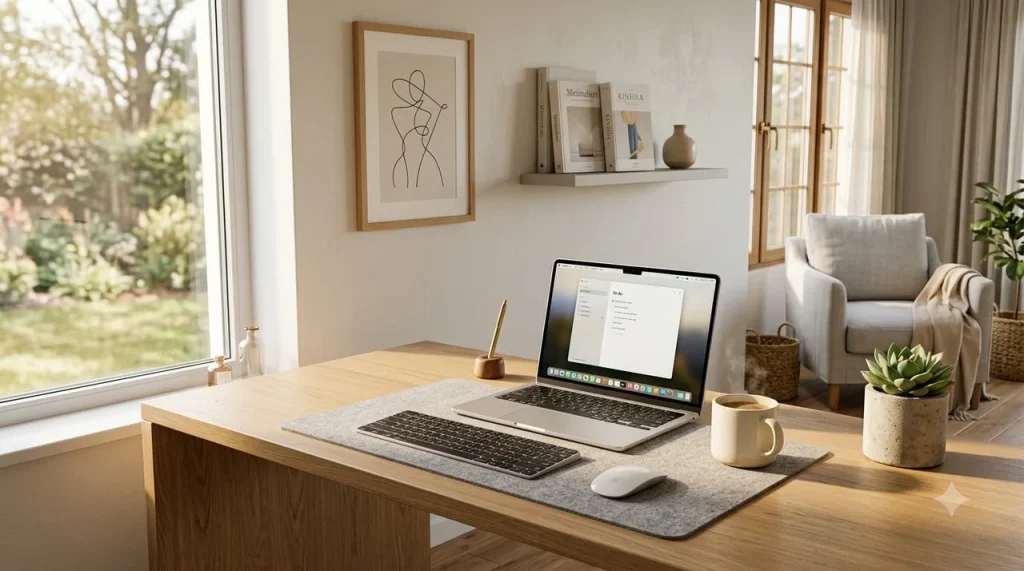
Program your desk monitors, secondary task lamps, and standing desk converters to power up precisely at 8:45 AM and cut off at 6:00 PM. This establishes psychological boundaries for remote work while eliminating ghost loads.
Critical Mistakes to Avoid with Smart Plug Automations
While smart plugs are exceptionally versatile, deploying them improperly can lead to corrupted data, electrical hazards, or unnecessary frustration. Keep these essential boundaries in mind:
Important Safety & Hardware Warnings
- Never Automate Constant-Cycle Hardware: Do not place Wi-Fi mesh routers, modem gateways, security hubs, or refrigerators on daily cut-off schedules.
- Avoid High-Amperage Heating Elements: High-draw space heaters and air conditioners can exceed the 15A rating of basic smart plugs, creating thermal hazards.
- Prevent Sudden PC Shutdowns: Always shut down desktop operating systems properly before a smart plug cuts power to prevent SSD file corruption.
Essential Setup Checklist for Whole-Home Automation
Use this scannable implementation checklist to audit your residence and unlock the full potential of your smart plug automations:
By pairing intentional device grouping with seamless schedules, smart plug automations deliver lower energy utility bills while making your home feel effortlessly modern and responsive.
Frequently Asked Questions
Do smart plugs themselves consume electricity when plugged in?
Yes, smart plugs consume a tiny amount of standby power (typically between 0.5 and 1.5 watts) to maintain their Wi-Fi, Zigbee, or Thread connectivity. However, this tiny draw is vastly outweighed by the 20 to 60 watts of phantom power they eliminate by shutting off connected entertainment and workstation equipment.
Can I use smart plugs with power strips?
Yes. You can plug a high-quality surge protector into a single smart plug, provided the combined wattage of all connected devices does not exceed the smart plug’s maximum rating (usually 15 amps or 1,800 watts on standard 120V US circuits). Alternatively, you can purchase an advanced smart power strip with individually controllable outlets.
Will cutting power with a smart plug damage my Smart TV or game console?
Modern TVs and consoles are designed to handle power cycles safely. However, for gaming consoles, ensure that background downloads and OS updates are completed, or use scheduled shut-offs during dead-of-night hours rather than abruptly killing power during active game play or firmware installations.
What is the fastest way to start automating smart plugs?
Begin with a single high-impact zone: your living room entertainment center or home office desk. Plug all secondary devices into an energy-monitoring smart plug and set a recurring schedule to cut power between 11:30 PM and 6:30 AM every day.
References and Links
- U.S. Department of Energy – Estimating Appliance and Home Electronic Energy Use
Official US Department of Energy guide on measuring standby power draw and phantom loads. - Lawrence Berkeley National Laboratory – Standby Power Research
Benchmark scientific data on residential idle electrical consumption and energy conservation strategies. - ENERGY STAR – Certified Smart Plugs & Power Management
EPA guidelines and efficiency standards for automated home energy management systems.