Why Upgrading Your Home Illumination Matters
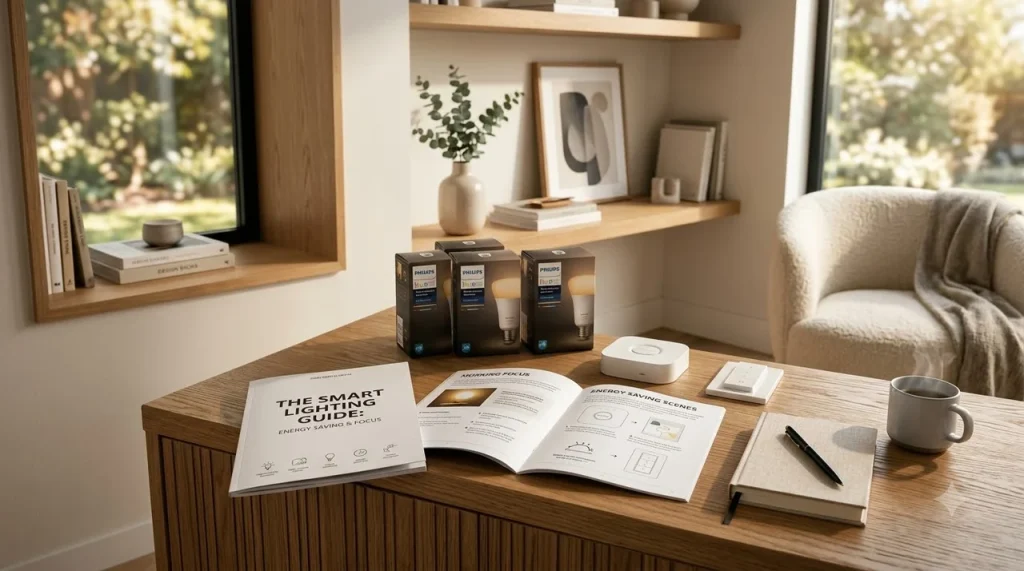
Quick Answer: Implementing a smart lighting setup guide for energy saving and focus allows you to slash home energy consumption by up to 60% while aligning indoor Kelvin color temperatures with your circadian rhythm, boosting daytime cognitive performance and improving nighttime sleep hygiene.
Most American homes rely on static, single-temperature bulbs that emit flat light regardless of the hour. Flipping a switch to full brightness during mid-afternoon slumps or late-night wind-downs disrupts your natural biological clock, leading to eye strain, lethargy, and inflated electric bills.
By pairing ENERGY STAR-certified smart LED fixtures with automated scheduling, you regain granular control over light intensity and color temperature, creating dedicated zones for deep focus and restful evening relaxation.
The Science of Color Temperature: Kelvin Spectrum Breakdown
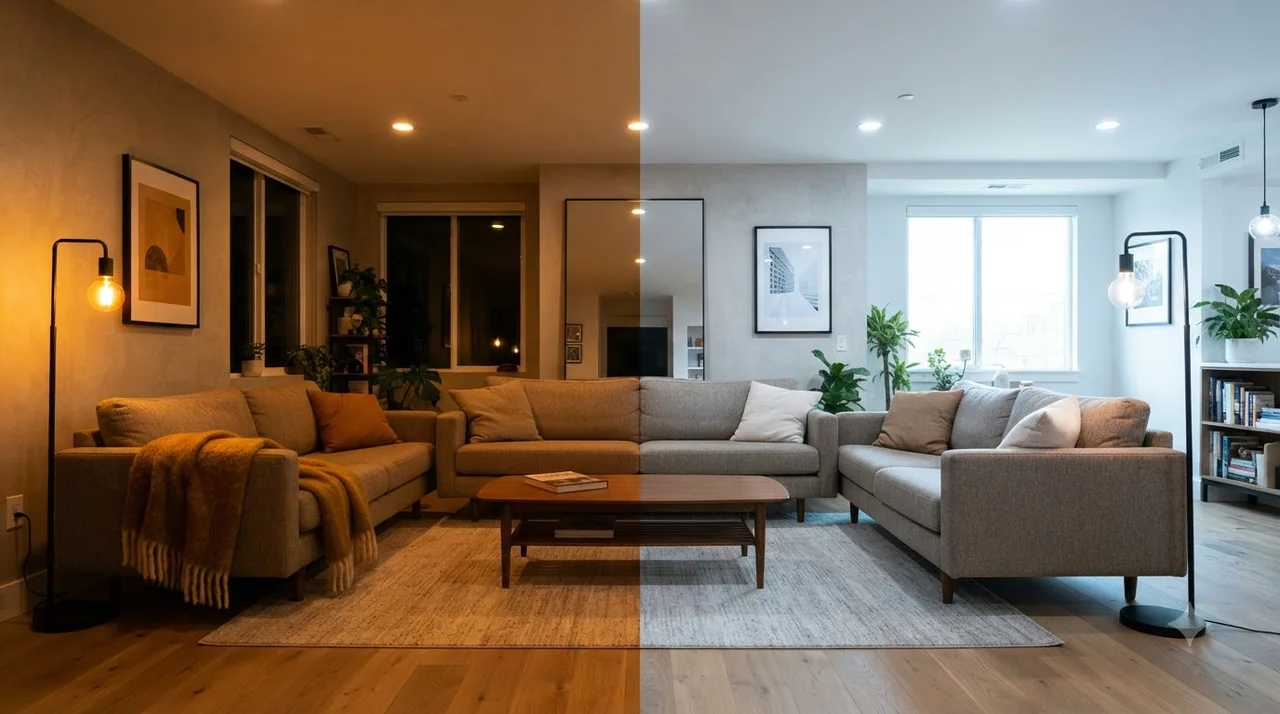
Color temperature is measured in Kelvin (K). Cooler white light suppresses melatonin production to heighten mental alertness, while warmer amber tones stimulate winding down.
Warm White (2200K – 2700K)
Best for evenings, bedrooms, and living rooms. Encourages natural melatonin release and deep relaxation.
Neutral White (3500K – 4000K)
Ideal for kitchens, bathrooms, and general utility areas. Balanced clarity without visual fatigue.
Daylight Cool (5000K – 6500K)
Optimal for home office task lighting and morning focus routines. Maximizes alertness and sharpness.
Step-by-Step Configuration for Energy Efficiency
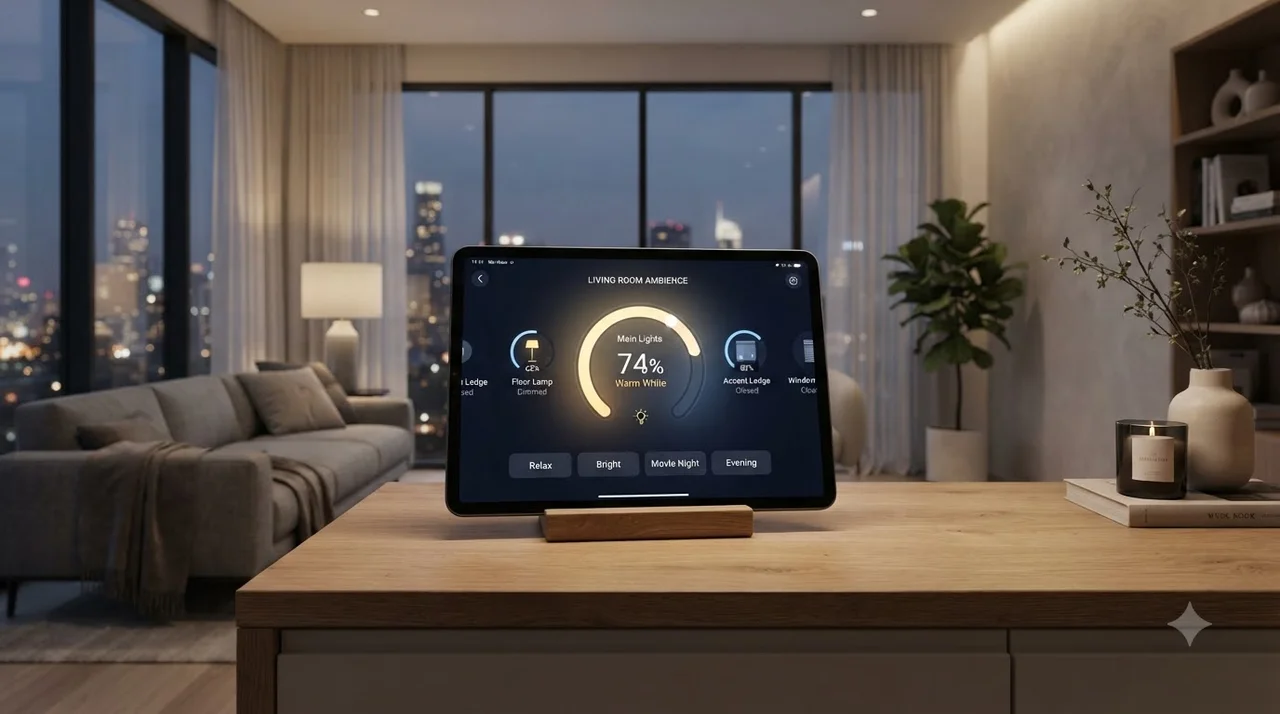
Follow these four actionable steps to calibrate your smart home ecosystem for maximum efficiency and productivity.
Select a unified system such as Apple Home, Matter, Zigbee, or Google Home to prevent Wi-Fi bandwidth congestion.
Separate ambient overheads from dedicated task lights (such as desk monitor light bars or under-cabinet strips).
Schedule 5000K at 8:30 AM, transition to 4000K by 1:00 PM, and automatically drop brightness to 20% warm 2500K after sunset.
Place motion triggers in hallways, laundry rooms, and closets to shut off illumination after 3 minutes of inactivity.
Essential Setup Checklist and Mistakes to Avoid
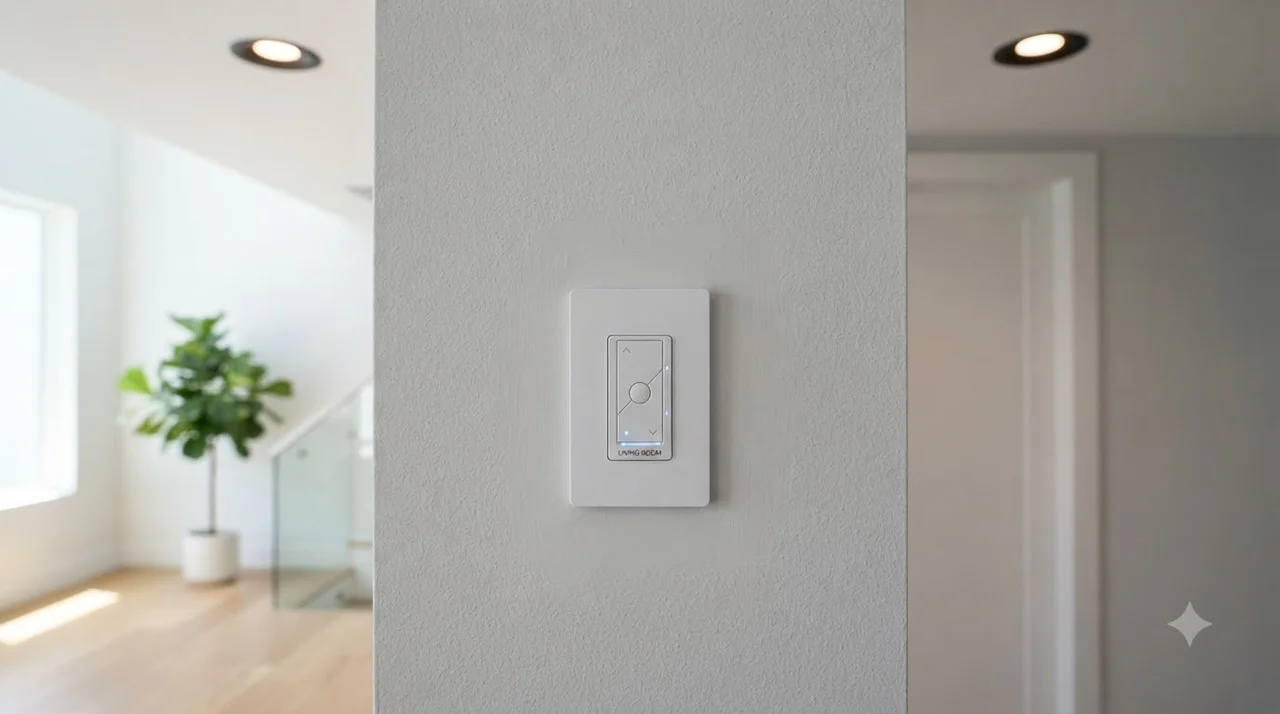
Smart Lighting Implementation Checklist:
- Choose ENERGY STAR-certified LED smart bulbs (8.5W to 11W replacing traditional 60W incandescents).
- Install smart wall switches for fixtures housing multiple decorative or candelabra bulbs.
- Enable geofencing to automatically extinguish all lights when leaving home.
- Set scheduled dimming caps (e.g., maximum 80% daytime output, saving 20% power invisibly).
- Calibrate bias lighting behind computer monitors to reduce contrast glare and eye strain.
Long-Term Power Savings and Daily Focus Routine
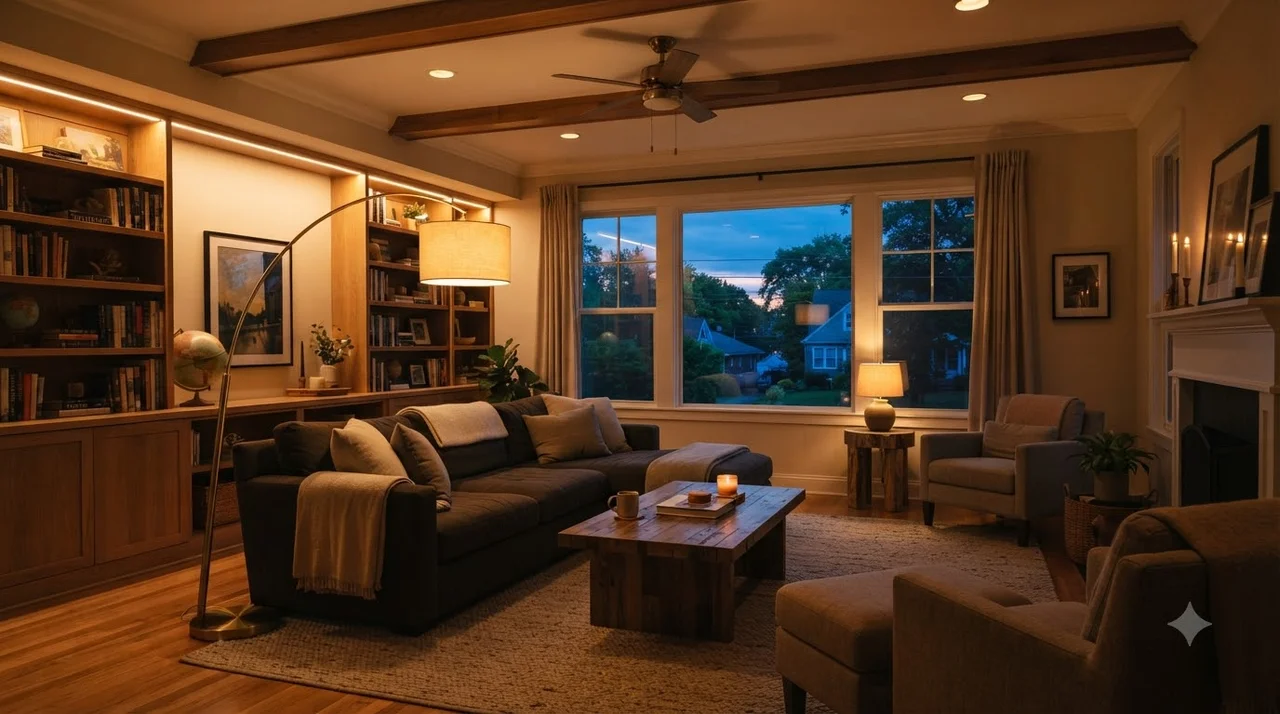
“Switching from incandescent fixtures to automated, scheduled smart LEDs reduces lighting energy usage by up to 75%, delivering cumulative household savings while maintaining tailored task illumination.” — U.S. Department of Energy
Following this smart lighting setup guide for energy saving and focus ensures your living space works seamlessly around your daily lifestyle. You no longer have to manually toggle fixtures or worry about phantom electricity waste.
Start by converting your dedicated workspace and main living zones, then gradually expand smart automations room-by-room for compounding comfort and power savings.
Frequently Asked Questions
Do smart bulbs still consume electricity when turned off via the app?
Yes, smart bulbs maintain a minimal standby state (typically between 0.2W and 0.5W) to stay connected to your Wi-Fi or Zigbee network. However, this phantom draw costs less than $1 to $2 per year per bulb, which is vastly outweighed by scheduling and dimming savings.
What is the best color temperature for prolonged computer work?
A color temperature between 4000K and 5000K (cool white to daylight) provides optimal contrast and alertness without causing harsh eye fatigue during extended desk work.
Should I choose smart bulbs or smart wall switches?
Use smart bulbs if you want tunable color temperatures and RGB effects. Use smart switches if you are controlling multi-bulb ceiling fixtures, recessed pot lights, or chandeliers where individual bulb replacement is cost-prohibitive.
References and Links
- U.S. Department of Energy – LED Lighting Efficiency
Comprehensive federal guidelines on LED energy efficiency, power reduction, and lighting metrics. - ENERGY STAR – Certified Light Bulbs
Performance standards and annual energy savings data for certified residential smart LED products.
👉 Read Next: 5 Smart Desk Gadgets to Streamline Your Daily Workflow
👉 Read Next: Minimalist Desk Setup: Boost Productivity & Focus